How to Choose an Industrial Robot: Payload, Reach and What Else Matters
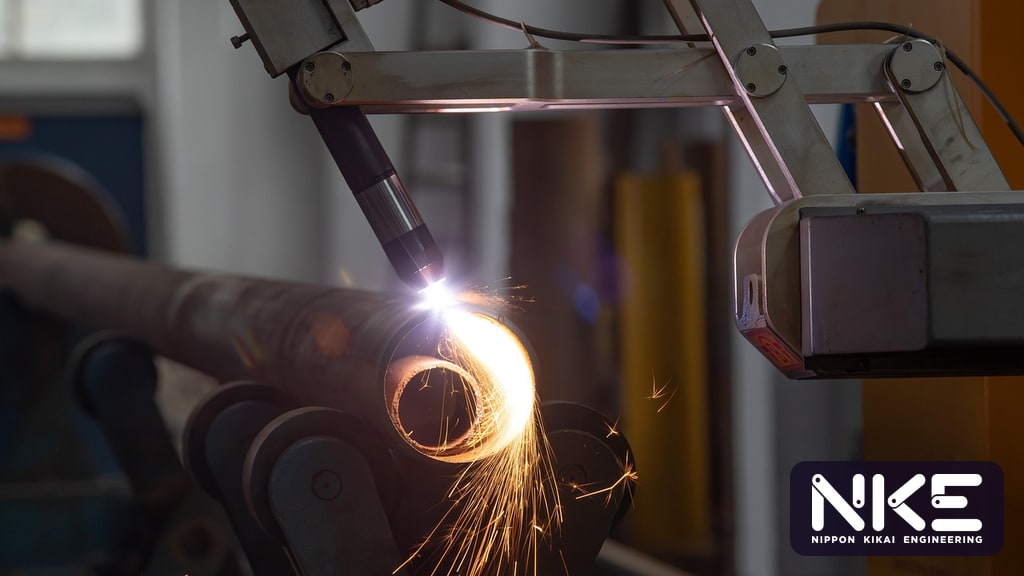
Once a plant decides to automate, the first question is usually “which robot model should we buy?” Many people open a catalogue and look at just two numbers: payload and reach. In practice, knowing how to choose an industrial robot that works on day one, and keeps working as production changes, means looking well beyond the brochure. This guide walks through the way integration engineers approach the decision, from defining the task and calculating the real load to checking the work envelope, safety and the mistakes we see most often. The principles apply to FANUC robots and to industrial robots in general.
Start with the task, not the robot
A common mistake is picking a model first and then trying to make the application fit. Instead, write down the requirements of the job before you look at any datasheet:
- The part: weight, size, shape, material, where it can be gripped, how many part numbers must be handled, and which new parts may arrive later.
- The motion: where parts are picked and placed, whether they need to be flipped or rotated, and whether the robot must reach into tight spaces such as a CNC machine door.
- Target cycle time: how quickly the robot must finish its task so it does not become the line bottleneck.
- Required precision: for example, loading into a chuck or fixture with tight clearance.
- Environment: coolant, dust, heat, humidity or cleanliness requirements.
With this information, model selection becomes a filtering exercise rather than guesswork. If you are still unsure which robot type suits your work, start with our overview of types of industrial robots.
Real payload: it is not just the part weight
Total load at the flange
The payload rating covers everything attached to the wrist flange, not only the workpiece. Add the gripper or end effector, any tool changer, adapter plates, sensors, cameras and the portion of hoses and cables carried by the wrist. The gripper often weighs as much as the part, or more, especially double grippers used in machine tending.
Wrist moment and inertia
Even when total weight is within the rating, a load whose centre of gravity sits far from the flange can overload the wrist, because the axes must handle load moment and inertia as well as mass. Robot makers typically publish a wrist load diagram and allowable moment and inertia values in the manual. Always check the real centre of gravity and inertia of your tooling and part against them. Long shafts and large sheet parts are classic cases where this limit, rather than weight, decides the model.
Leave a sensible margin
Hypothetical example: a part weighing 8 kg and a gripper weighing 6 kg give 14 kg at the flange. A robot rated at exactly 14 kg would run at its limit all day. Acceleration may need to be reduced, cycle time may end up slower than planned, and reducers and motors work harder. Build in a margin, but avoid oversizing to the point of buying a larger robot that costs more and takes up floor space for no benefit.
Reach and the work envelope
The reach figure on a datasheet is the maximum distance from the robot centre to the wrist flange. A point that is “within reach” is not necessarily reachable in the orientation you need. Also check:
- Approach direction: reaching horizontally into a CNC machine, for example, adds the length of the gripper and part to the distance.
- Posture near the edge of the envelope: with the arm nearly extended, dexterity drops and the robot may approach a singularity, giving jerky motion. Keep the main work points comfortably inside the envelope.
- Mounting: floor, ceiling, wall, a riser or a linear track all change the usable envelope considerably, and some models have limits on mounting angle.
- Obstacles: columns, guarding, machine doors, conveyors and the space maintenance staff need to work.
One of the most effective ways to reduce risk is to simulate the layout and motion before ordering, using software such as FANUC ROBOGUIDE. Simulation checks reachability and collisions and gives an early cycle time estimate.
How to choose an industrial robot for precision, speed and environment
Repeatability is not accuracy
Most datasheets quote repeatability: how consistently the robot returns to a taught position. That matters most for repetitive pick-and-place. Accuracy describes how closely the robot reaches a position commanded as coordinates, which matters for offline programming or vision-guided picking. If your application relies on calculated coordinates, plan for calibration and vision correction.
Real cycle time is not the top speed on the datasheet
Maximum axis speed is only part of the picture. Actual cycle time depends on travel distances, achievable acceleration under the real load, gripper open/close time, handshake signals with the machine and slow approaches where precision is needed. Estimate it by simulation or testing, not from brochure figures.
Environment and robot type
- With coolant or mist, as in CNC tending, check the IP rating of the arm and wrist.
- With dust or heat, as in foundry or grinding work, consider protective jackets or models built for harsh environments.
- Where people work nearby, a collaborative robot such as the FANUC CRX may fit, but the whole application still needs a risk assessment, not just the robot.
- For fast, light pick-and-place on a plane, SCARA or delta robots may suit better than a six-axis arm.
Peripherals, safety and common mistakes
The robot is only one part of the cell. Results depend just as much on the gripper, fixtures, part presentation, vision (such as iRVision), cable and hose dress, and communication with other machines. For safety, carry out a risk assessment following recognised industrial robot safety standards such as ISO 10218, then choose suitable measures: fencing, interlocked doors, safety laser scanners, or controller-based zone and speed limiting such as FANUC DCS (Dual Check Safety).
Mistakes we often see when robots are selected:
- Forgetting to include gripper and accessory weight in the payload.
- Not checking wrist moment and inertia for long or offset loads.
- Placing key work points at the edge of the envelope.
- Estimating cycle time from maximum speed figures.
- Leaving no room for maintenance, tool changes or changeovers.
- Ignoring future parts, so the robot has to be replaced sooner than expected.
For CNC loading applications, see our CNC and robot machine tending solutions and the article is a CNC tending robot worth it? For a wider view of automation options, visit factory automation.
FAQ
Should we buy a higher-payload robot to be safe for the future?
Allow for parts you genuinely plan to produce, but avoid large oversizing. A bigger robot needs more floor space, can be harder to manoeuvre in tight areas and costs more. List the parts you expect to run and size the robot for the most demanding one.
Can a cobot replace a conventional industrial robot for every job?
No. Cobots suit work close to people and flexible installations, but high speeds or heavy loads usually call for an industrial robot with appropriate safeguarding. Whichever you choose, the complete application, including the gripper and any sharp-edged parts, must be risk assessed.
Is the repeatability figure on the datasheet enough for our application?
It depends on the type of precision you need. For returning to taught points, repeatability is a useful indicator, but overall cell accuracy also depends on the gripper, fixtures and how parts are presented. Test with real parts before drawing conclusions.
If you are planning a robot project and would like help checking your requirements, selecting a model and designing the cell, NKE's engineers, as a FANUC Global Partner, are happy to talk it through. Call 02-746-7196, add LINE @nke.th or use our contact form.
Cover photo: wqh364330634 / Pixabay